Create beautiful website images with ChatGPT
Your own photos always sell best — but when you don't have the shot you need, ChatGPT can make surprisingly good website imagery in minutes. Here's how to get results that look professional, plus how to get a clean transparent logo.
Hero images — the big picture at the top of your site
The hero sets the mood for the whole website. Three things make a hero prompt work:
- Wide format — always ask for
16:9 landscape. - Calm space for the headline — ask for empty space on one side; your heading and buttons will sit there.
- Mood, not clutter — describe lighting and atmosphere, keep the scene simple.
Copy, edit the bold parts for your business, and paste into ChatGPT:
A wide 16:9 photorealistic photo of a cozy Singapore coffee shop interior, warm morning light through the window, wooden tables, plants, softly blurred background on the left side leaving calm empty space for text, no people looking at the camera, no text or logos in the image, high resolution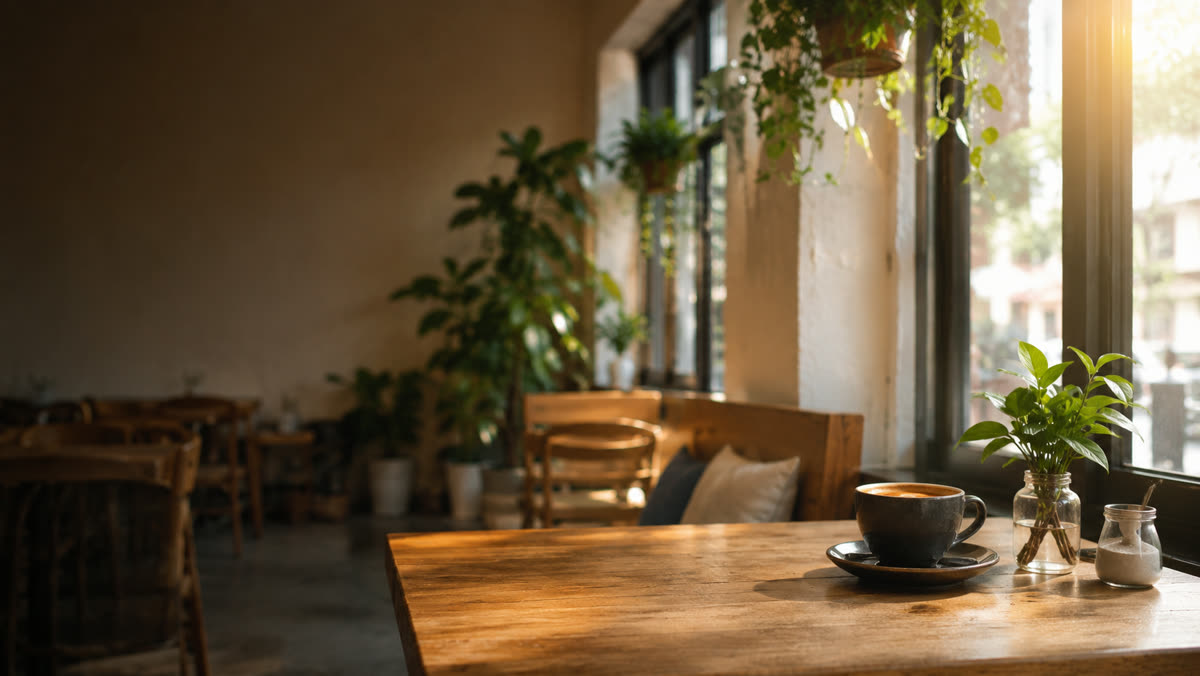
What that prompt produces — note the calm left side where your headline will sit.
A wide 16:9 photorealistic photo of a friendly home repair technician smiling with his tool bag, teammates fixing a light and a sink in the bright home interior behind him, navy uniforms, clean daylight, no text in the image, high resolution
A people-focused variant — friendly faces build trust for service businesses.
Generate two or three versions and pick the one with the calmest composition — busy heroes fight with the headline.
Section & card images — services, about, gallery
Smaller images can be square or portrait. Ask for a consistent style so the site feels designed, not assembled:
A square photorealistic photo of a barber giving a classic haircut, same warm tones and lighting style as before, simple background, no text, high resolution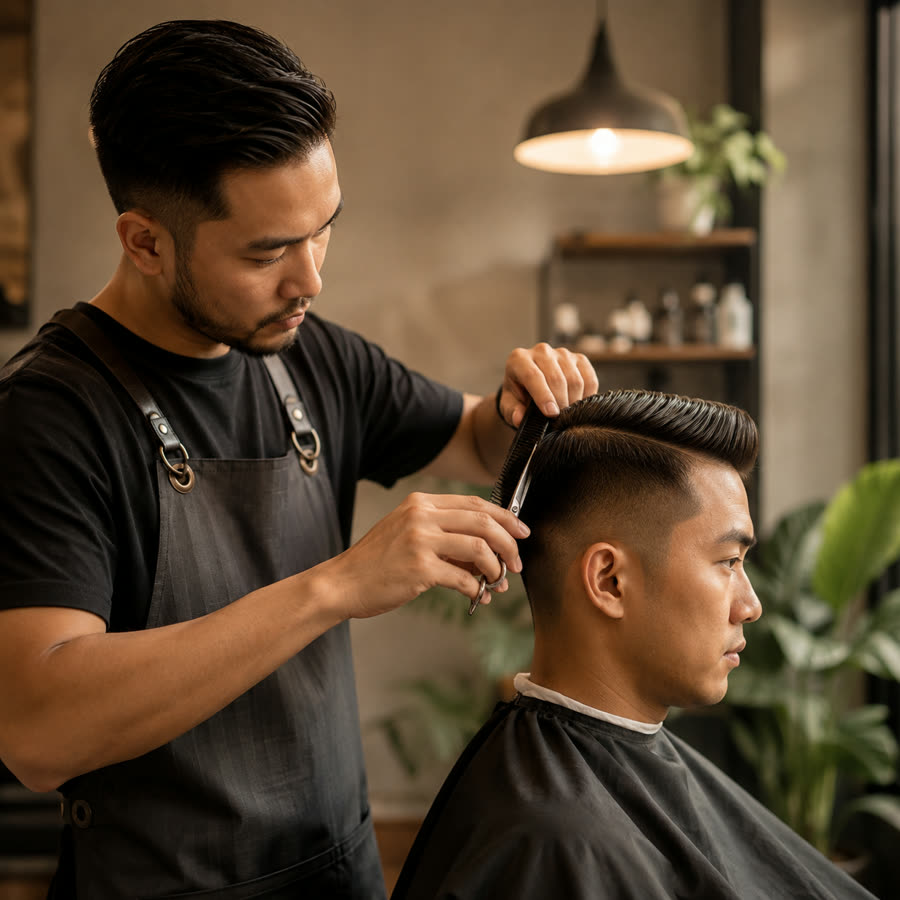
A square service-card image from that prompt — warm, simple, consistent with the hero.
A clean transparent logo
If you don't have a logo yet, ask ChatGPT:
A minimalist flat logo for "HandyMan Singapore", a home repair service: simple geometric shapes, dark blue, modern and clean, vector style, on a plain white background, no photo, no gradients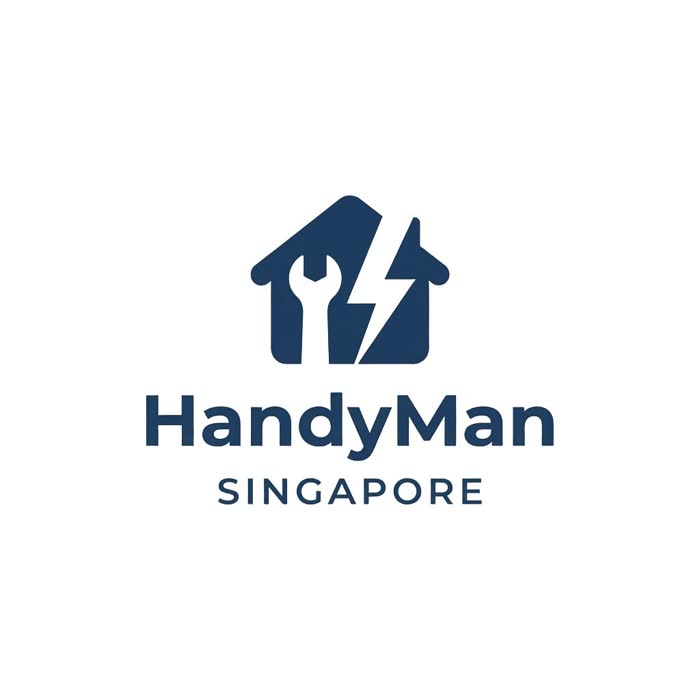
The result — simple shapes and one colour survive shrinking to a tiny favicon; detailed logos don't.
Then ask: Make the background transparent and give me a PNG
Even easier: send us any logo image — even a photo of your signboard or name card — and Gary, our graphic designer, removes the background for you, free.
Send everything to Alice
Just send the images in your WhatsApp or Telegram chat, like any photo:
Here's my new hero image — use it on the home page
We keep your originals, optimize every image for fast loading automatically, and Gary can crop, retouch or remove backgrounds on request. Tell Alice where each image should go — or let the design team decide.
Questions? Just ask Alice in the chat — that's what she's there for. 💬